Adapter reviews
Up to five stars are displayed under the name of each adapter in the admin panel. This is not a decorative feature or a popularity indicator from the internet, but rather the average rating from users who have installed that adapter.
The stars in the admin panel are different from the stars you give on GitHub. GitHub stars indicate how many people like a project. The stars in the admin panel indicate how well the adapter is performing for those who are using it.
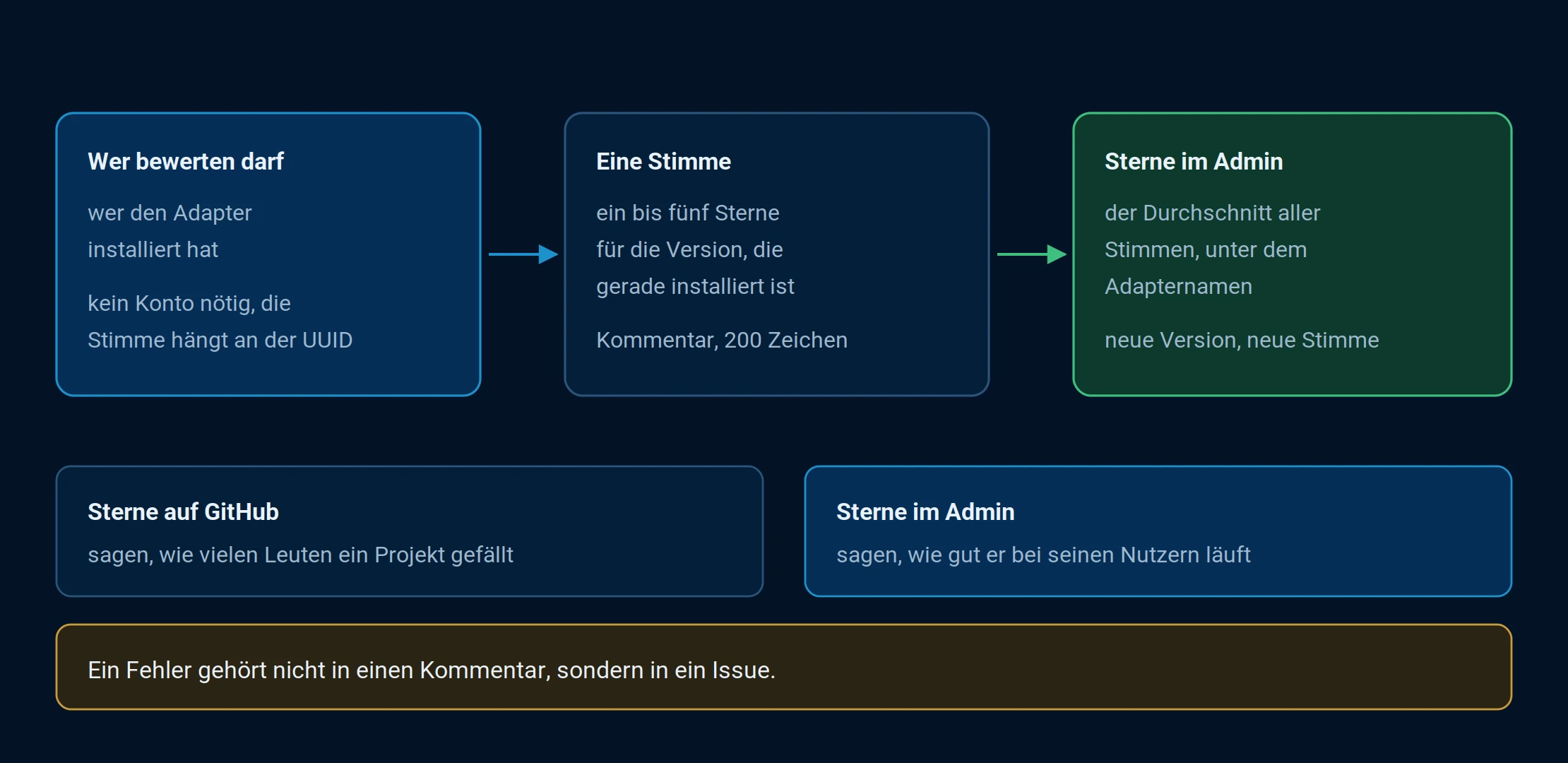
Each installation has one vote, and it applies to the version that is currently running.
Who is allowed to rate?
Only those who installed the adapter are allowed to submit a review. This is the sole requirement, and it follows naturally from the nature of the product: the review focuses not on the idea behind the adapter, but on how it actually works.
No account is required. The vote is assigned to the anonymous installation identifier, the same one used for usage statistics . This means each installation is counted once, without anyone having to leave a name.
The version being evaluated is...
The vote always applies to the currently installed version. An adapter that caused problems a year ago and has since been thoroughly revised will therefore not be held back indefinitely by older votes.
The reverse is also true: After each new version, you can vote again. If you've already voted, the dialog box will show you which version and date your vote was for.
Here's how it works
- In the Adapters tab, click on the stars below the adapter name. This works in both tile and list views.
- Select the desired number of stars in the dialog box.
- Optionally, add a comment of no more than 200 characters, specifying the language.
- Submit your rating .
If the adapter isn't installed, the same dialog box opens in read-only mode. You can't assign stars, but the existing ratings and comments are visible. That's the more useful part: checking what others are saying before installation.
Read comments
The dialog displays all comments, newest first, each with a star rating, date, and the version to which it refers. Selecting "Show comments by language" allows you to filter by language; the number next to it indicates how many comments there are in each language. Your own comment is highlighted.
What doesn't belong in the evaluation
A bug doesn't belong in a comment, but in an issue. The dialog itself points this out. A 200-character comment doesn't reach the developer as a task; it just sits there. How to create an issue is explained under "Opening an Issue" .
The rating is meaningful for the overall assessment: does the adapter run stably, does it do what it promises, and is it easy to set up? One star because your own device isn't supported isn't helpful to anyone.
Where the ratings are located
The ratings are stored centrally and retrieved when the Adapter tab is opened. Therefore, a system without internet access will not display any stars. Individual adapters can also disable the rating system, in which case the stars will also be missing.