This blog post provides an overview of new adapters and features introduced in ioBroker between February and April 2024 It aims to deliver basic information for users of all technical backgrounds.
New adapters
senec (25.2.2024)
Connect your photovoltaic or power storage to ioBroker. Initially targeted at the Senec Home V2.1 System.
In the Senec.Home system, only selected values can be changed by the adapter.
Senec currently also no longer provides a reliable way to influence peak shaving via the web interface. Whether other systems (e.g., V3) also work with it depends on whether they are also based on lala.cgi and provide the same JSON information.
energiefluss-erweitert (11.3.2024)
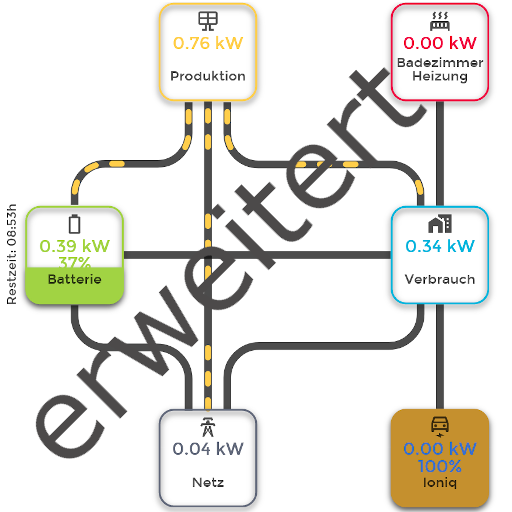
This ioBroker adapter is the next Version of the "energiefluss" with the attribute 'erweitert' and allows to display an energy flow animation inside an iframe or HTML DIV.
This adapter visualizes energy flow for various elements like photovoltaics, battery, house-consumption, grid-feed-in (grid-consumption), car charge, etc.
Adapter provides an animated flow for all elements, you add.
Now you can see how your energy is moving at a glance.
nmea (17.3.2024)

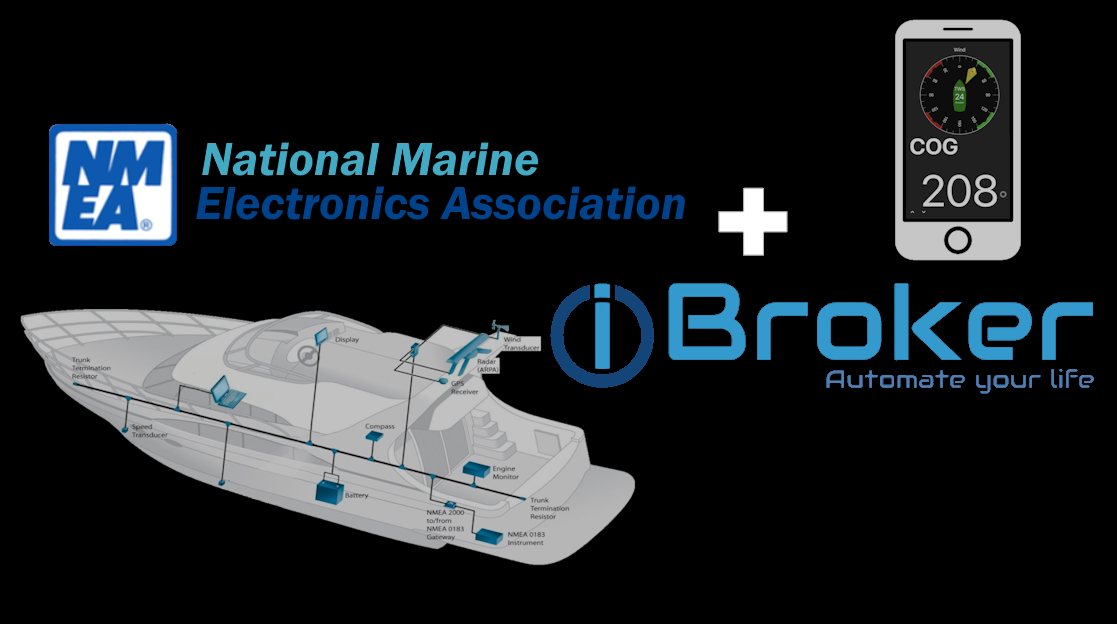
This adapter connects ioBroker to a yacht's NMEA-2000 bus, enabling access to data like speed, course, GPS position, depth, wind, temperature, and even control of Raymarine autopilot systems.
Additionally, you can take data from non-NMEA 2000 devices and feed the data from them into the yacht bus for display on the vessel's standard displays. There is also the option to play the anchor alarm, fire alarm, flood alarm via mobile phone or remote monitoring of boat parameters when the boat has an internet connection (GSM modem, StarLink)
You can create a Telegram bot to request the information and control your yacht.
You can also create audio alerts for important events, such as when the water in the water tank runs out, and output these alerts either to the yacht's audio system or to a speaker connected to the raspberry Pi via USB or audio output.
In vis-2 you can visualize data from NMEA 2000, but also data from any devices that are connected to iobroker.
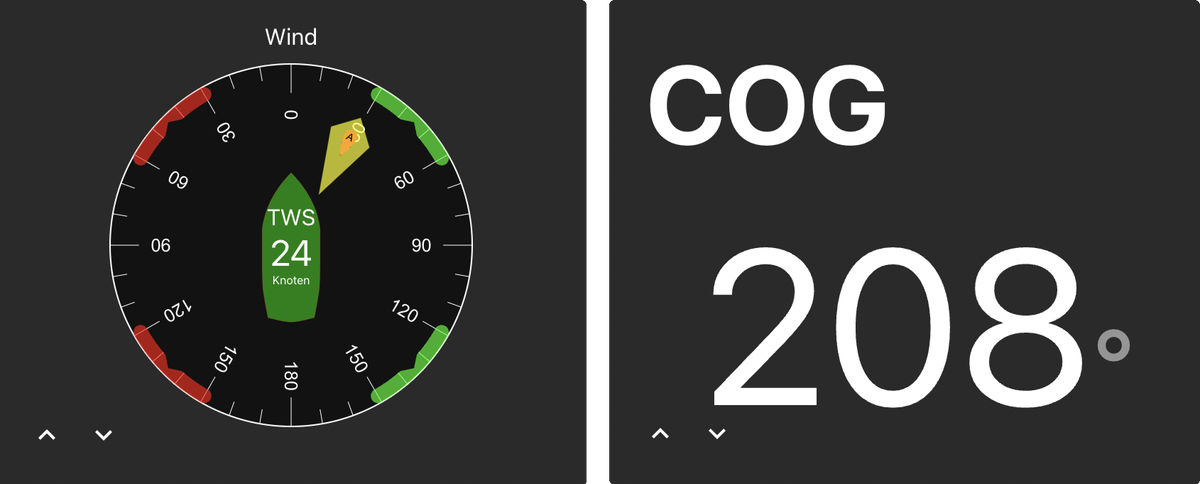
Check out our latest video featuring this adapter. Tune in to discover:
- The necessary hardware for installing the ioBroker automation platform on a yacht.
- Step-by-step installation process of the ioBroker.nmea adapter.
- Examples of visualizing data from NMEA 2000 instruments.
- How to connect non-NMEA 2000 sensors to the yacht bus.
- Additional scenarios for using ioBroker on a yacht.
smoothed (8.4.2024)
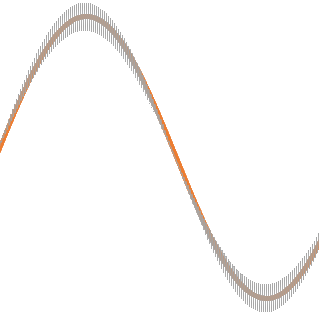
This Adapter makes it easy to select some data points to smooth it according to a selected algorithm and the smooth time (filter time).
You can select one ID more times to smooth it in different algorithms and/or times.
The destination is an ID in the directory of the folder, which delivers you the smoothed values.
You can limit the min- or max-values, the decimal places or ignore values with a high standard deviation.
heizoel24-mex (14.4.2024)
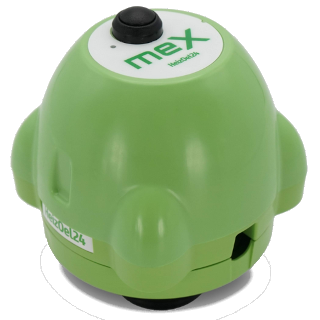
Monitor your heating oil levels with ease.
This adapter retrieves data from the Heizoel24 server for MEX measuring devices, providing you with real-time insights into your heating oil status.
Simply enter the login data from your Heizoel24 account (e-mail and password). The MEX data is stored in the data point heizoel24-mex.
The adapter starts by default every 3 hours. This is completely sufficient, as the MEX only sends data once a day. The data point CalculatedRemaining/JsonForEcharts (calculated remaining quantity) can be opened directly with eCharts.
hydrawise (17.4.2024)

Adapter to control the Hydrawise irrigation control system.
Integrate your Hydrawise controller with ioBroker to view information, schedules, and sensor data.
It is also possible to control scheduled irrigation.
tedee (17.4.2024)

Adapter for Tedee Locks. Unlock the power of smart lock control through ioBroker.
The tedee adapter utilizes the local bridge API to give you command over your Tedee locks, supporting all Tedee lock devices for a seamless smart home experience.
The Adapter receives all status updates immediately via webhooks.
new widget
vis-homekittiles (25.3.2024)

Homekit Tiles is a widget set based on the design of Apple HomeKit.
The special feature of the widgets is that they do not contain any fixed style elements, but everything is formatted using CSS offering a high degree of flexibility.
As a result, there are no separate settings in the VIS editor for the position and/or size of the icons, labels, etc. The design is adjusted by changing the CSS code.
For this purpose, the CSS code from the file /widgets/homekittiles/css/style.css can be used as a template.
The code is inserted into the CSS tab in the VIS editor and can be customized as desired.
It is also possible to add your own CSS classes via the VIS editor in the "General" section of the widgets.
The widgets are designed for VIS 1.x.
New Features
Scheduler (05.4.2024)
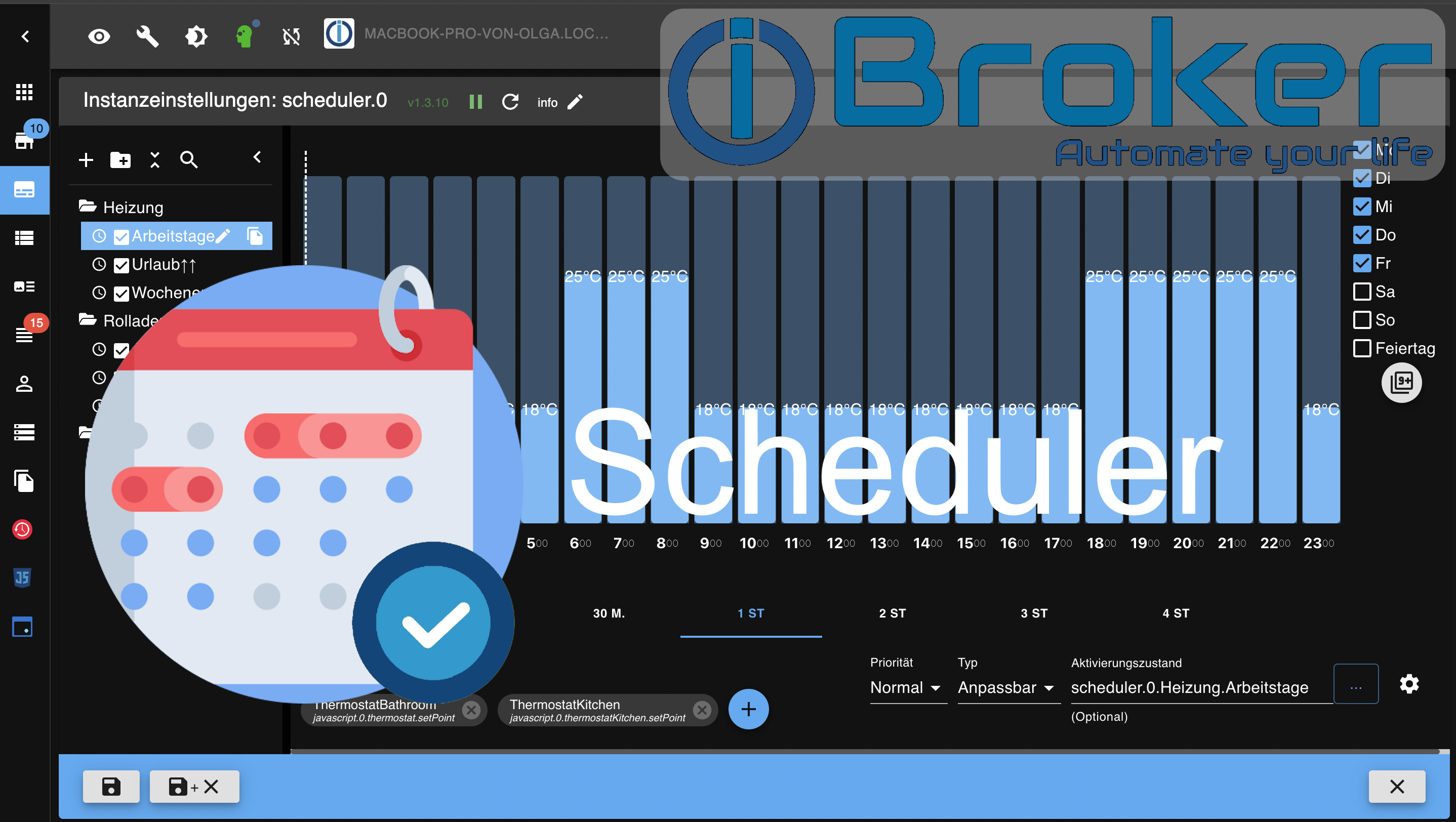
Enhanced scheduling capabilities with support for holidays and custom types, allowing for more granular control over automation routines.
Discover the versatile functionality of the Scheduler adapter, also known as planer, in this informative video! Learn not only how to install the adapter and make basic settings but also the steps to create profiles and visualize them in vis-2.
Admin (06.4.2024)
The ioBroker Admin interface also received an update with the introduction of includes in JSONConfig files. This new feature allows you to combine data from separate files, resulting in a more organized and efficient configuration process.
Link for more information on includes
{
    "tabs": {
        "tab1": {
            "type": "panel", // data will be combined with the content of "tab1.json". If the same attribute is defined in both files, the value from the included file will be used.
            "#include": "tab1.json"
        }
    }
}